
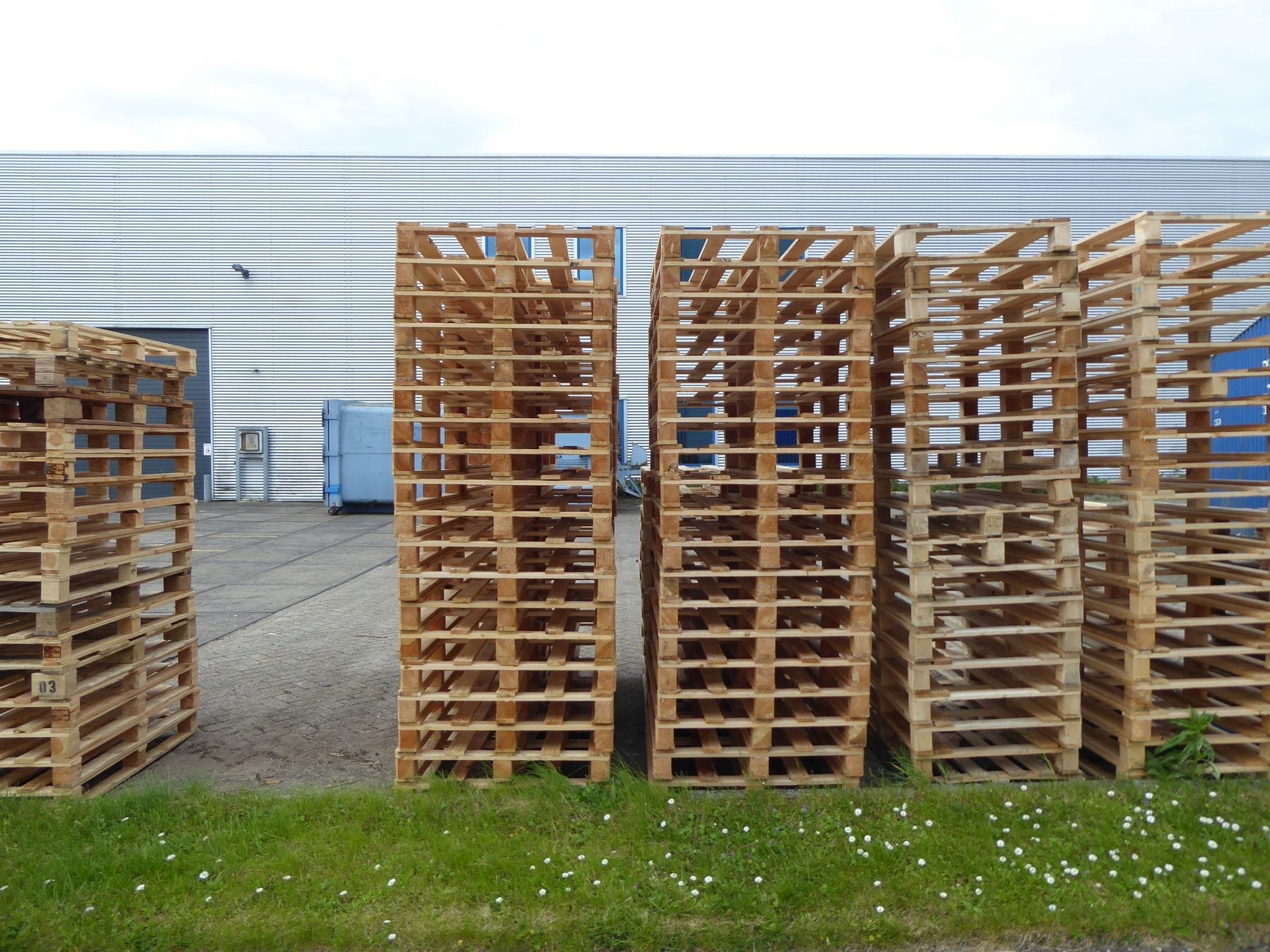
Dispatch opens a container cycle; a verified return record closes it. Tracking open cycles by ID and age gives a different view from a total stock count.
Set age bands
Choose day bands using the return contract and your own history. Keep boundaries fixed across periods; if they change, recalculate older data using the same bands.
Match each cycle
At dispatch, record container number, receiver, date and document ID. On return, match the same number and document, then enter the close date.
Verify what appears open
Sort the weekly ageing list by age, receiver and last movement. If a return record is missing, first check delivery evidence, duplicate IDs and recording delays.
Age band table. Show cycle count, total open containers and change from the prior period in each band. Mark contractual return dates separately; do not assume a billing or loss decision.
Records that distort the table
- Without a return scan, a cycle stays open.
- A wrong number can merge two records as one container.
- A duplicate number can close the wrong cycle.
A follow-up trigger
If a band's count rises, send the receiver a numbered list for confirmation. Link the reply and next movement to the same cycle record.
Discuss the data with the customer
Send the receiver container number, dispatch date and latest confirmation. Ask which record is missing for each cycle instead of sending a general warning.
Month-end reconciliation. Reconcile cycles opened, closed and still open at period end. Investigate each difference in the calculation: opening balance + cycles opened - cycles closed = closing balance.
Follow-up by age
| Time open | Check |
|---|---|
| Short interval | Verify record match |
| Near internal procedure trigger | Request current receiver confirmation |
| Contract period exceeded | Review contract and authority process |
